Collections
Shop by goal.
Seven ways into the collection, arranged the way people actually shop. General informational guidance only — not medical advice.
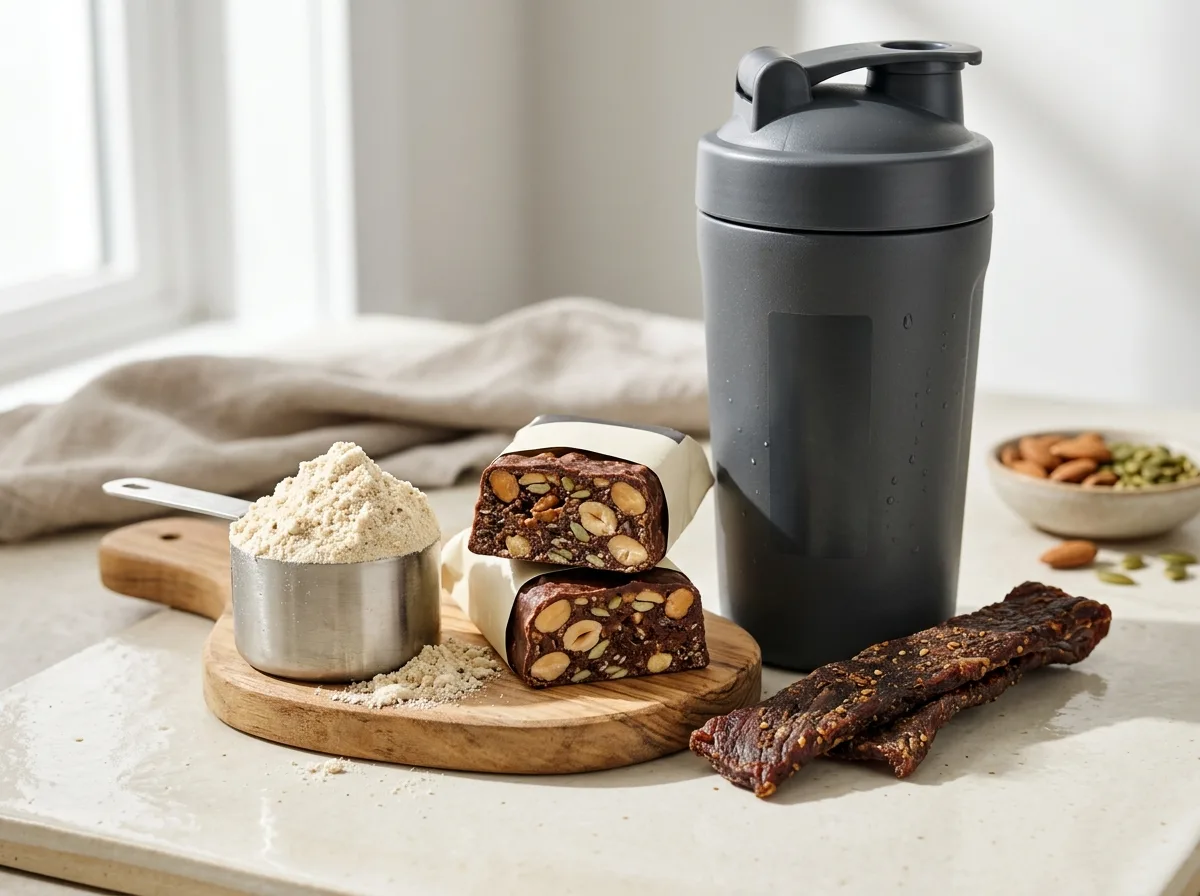
High Protein
More protein in every pick.
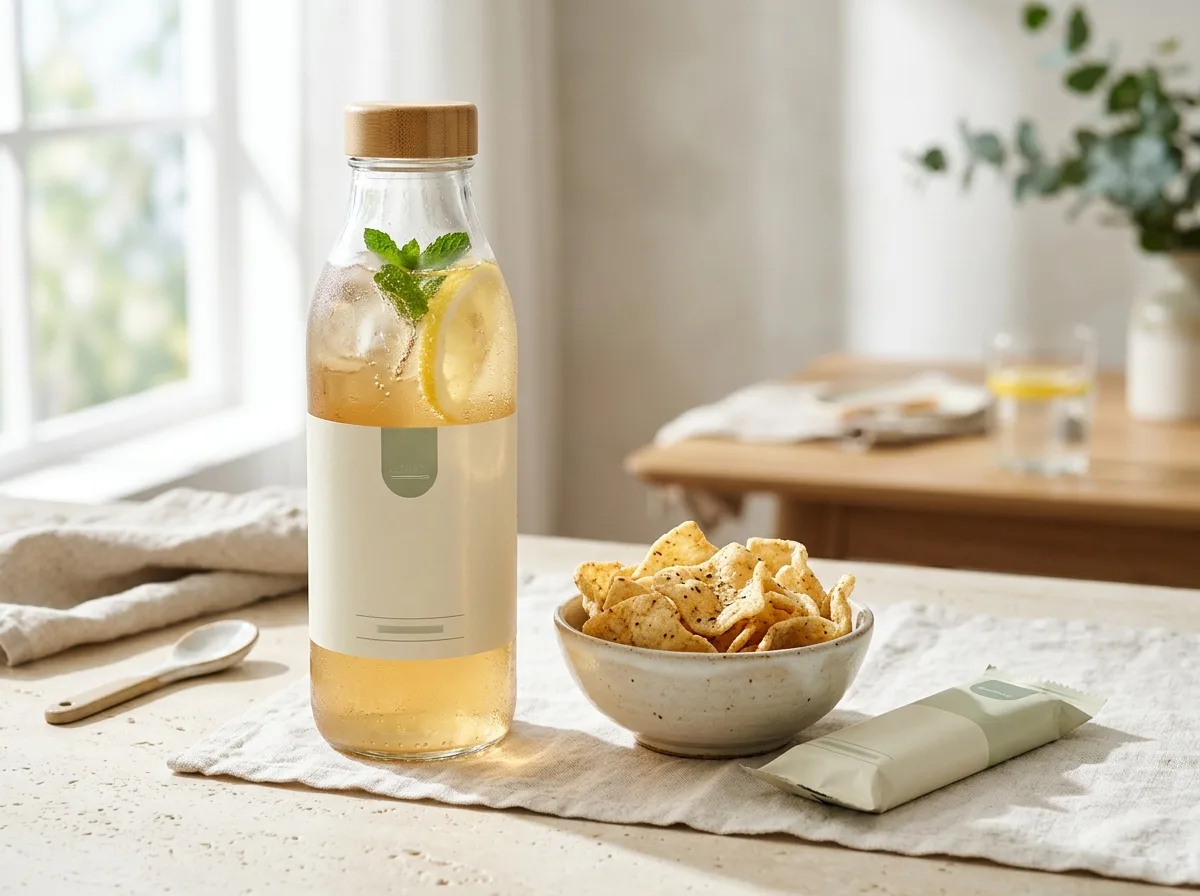
Protein / Calorie
Get more protein from your calories.
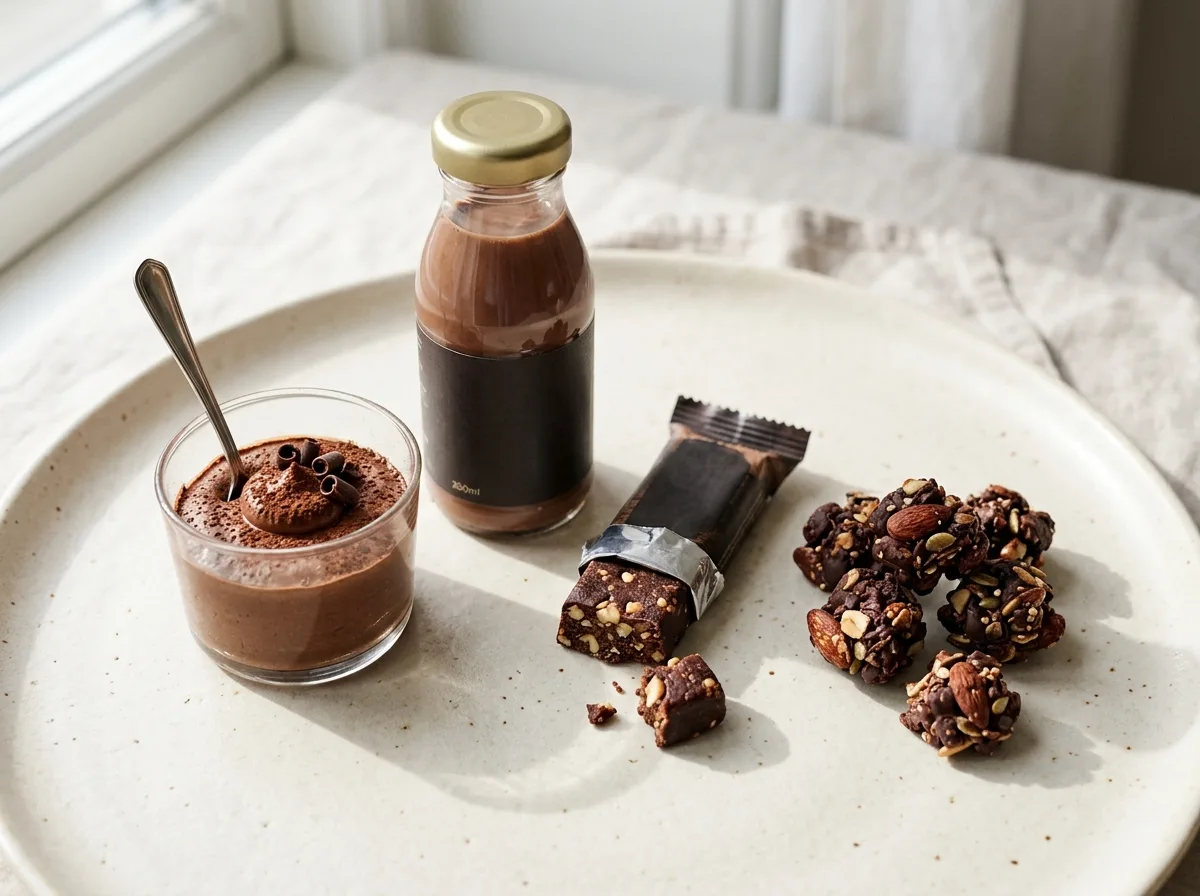
Small Appetite
Compact foods with meaningful protein.
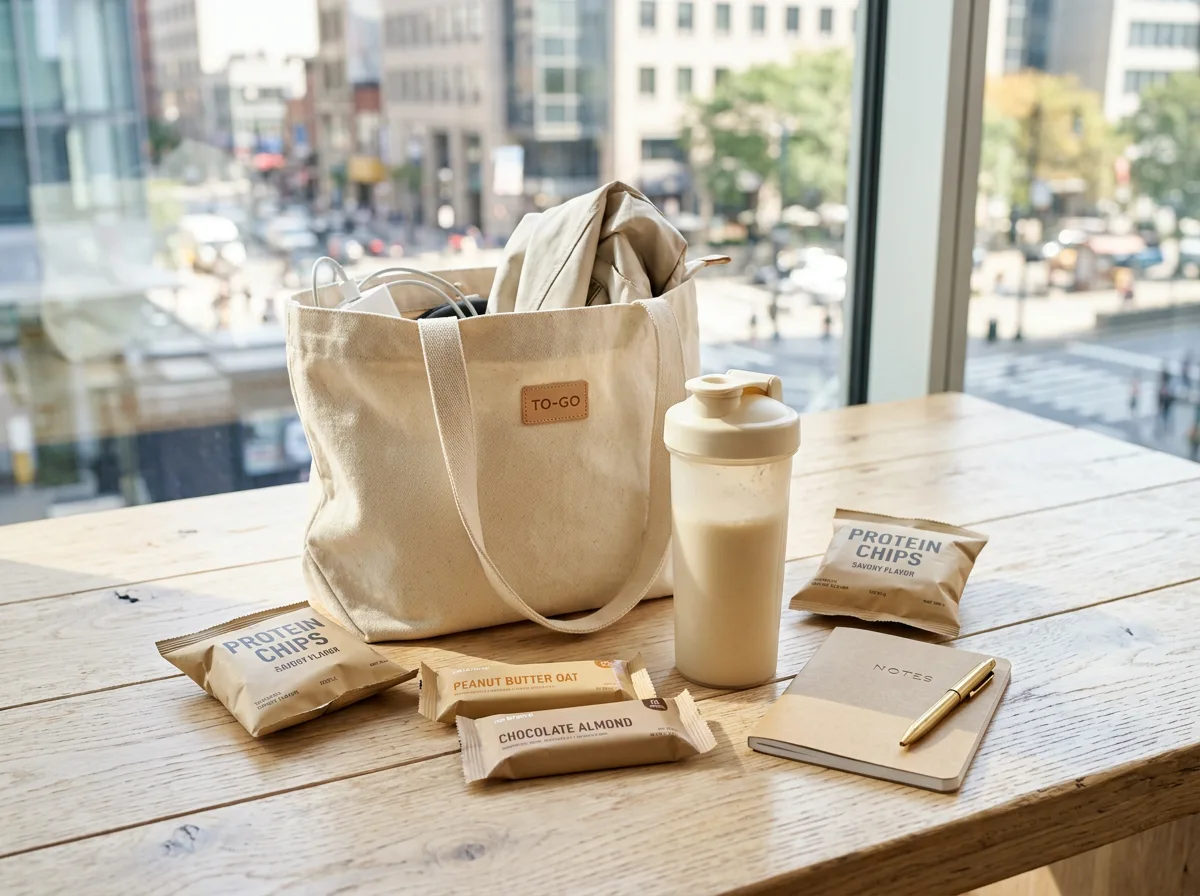
On the Go
Protein that travels well.
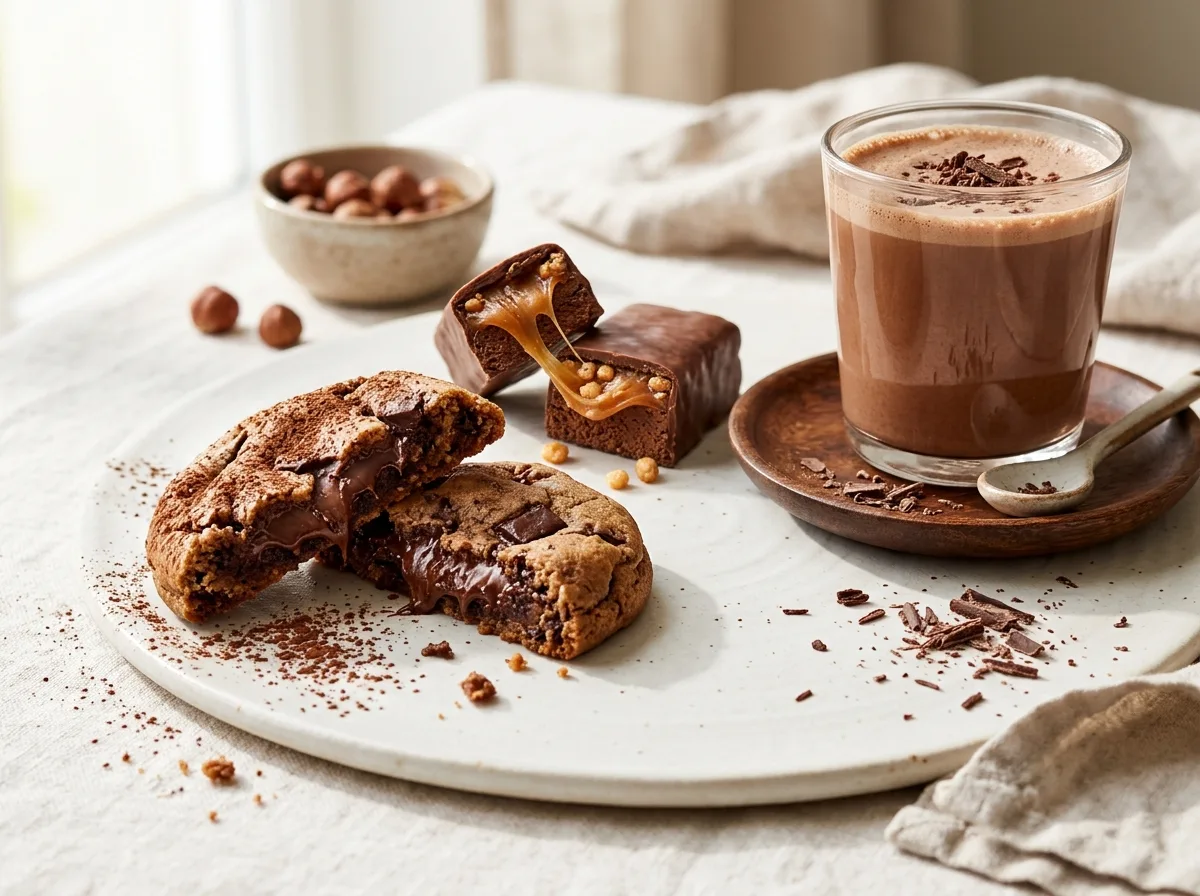
Best Tasting
Products people actually want to eat.
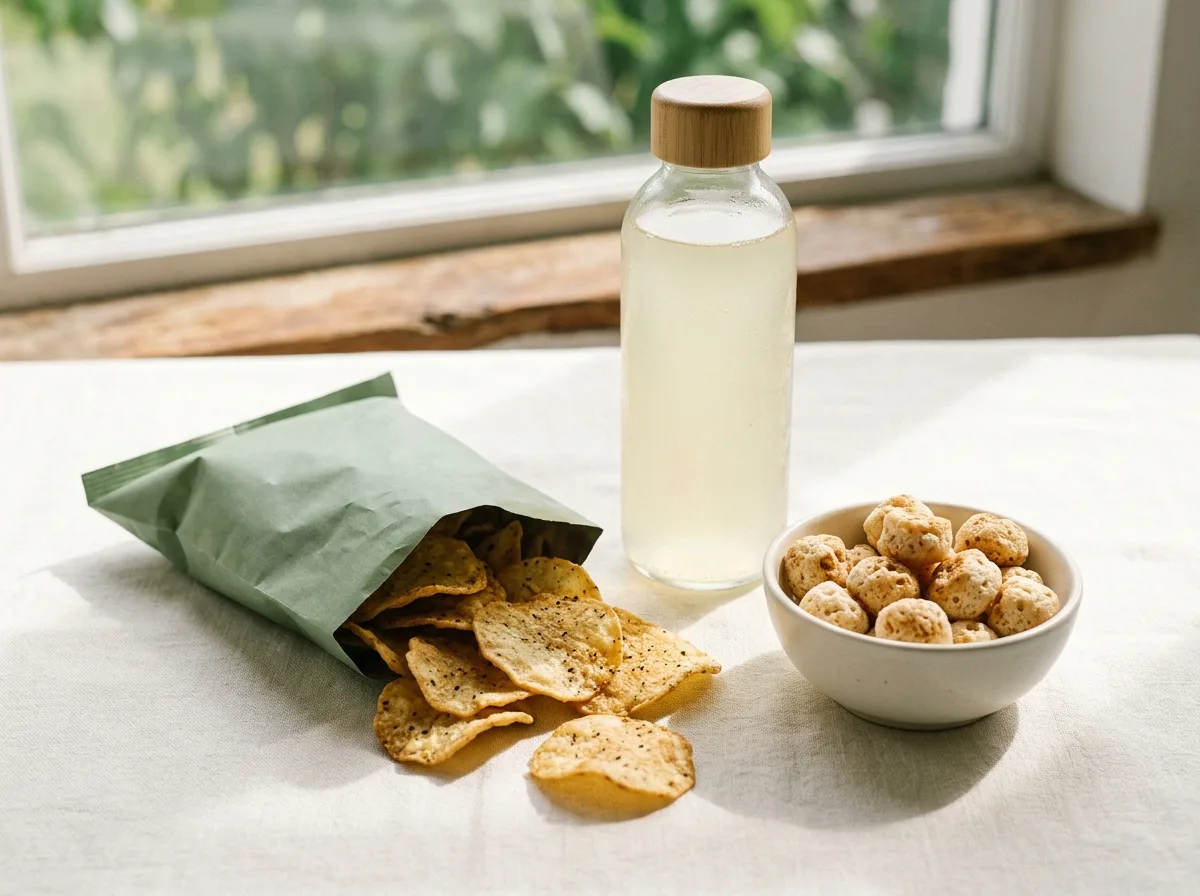
Under 200 Calories
High-protein options that keep calories in check.
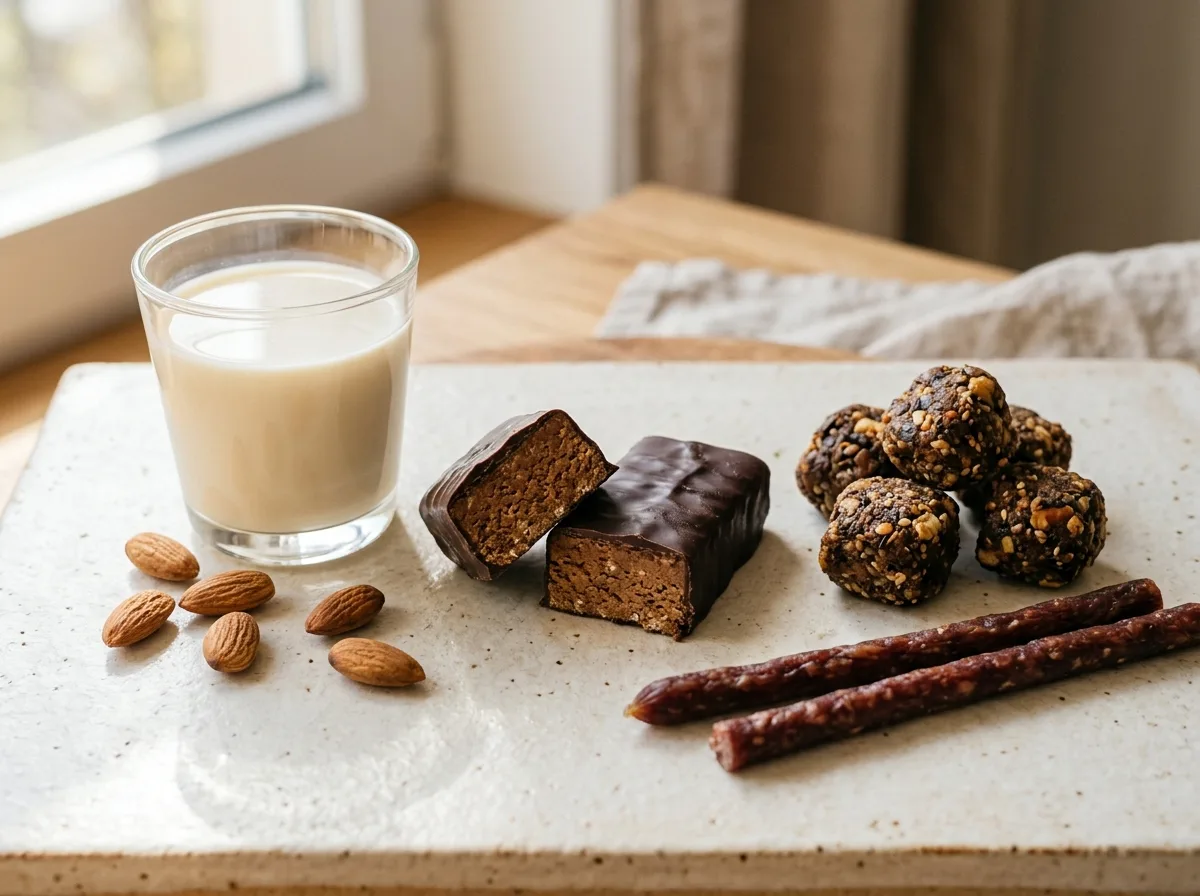
Low Sugar
Protein without the added sugar.
Which edit fits you?
High Protein — You want the biggest protein number per serving, and calories are a second question.
Protein / Calorie — You want protein to make up as much of each calorie as possible.
Small Appetite — You prefer small, easy portions.
On the Go — It has to survive a bag, a desk drawer or a commute.
Best Tasting — Flavour comes first and the numbers second.
Under 200 Calories — You want a firm calorie cap per serving.
Low Sugar — You want 3g of sugar or less per serving.
How the edits are built
Each edit is a list of tagged sample records, and every card shows the same units: protein per serving, protein per 100 calories, calories and price per serving in CAD. A product can sit in more than one edit; a clear whey drink, for example, is efficient, light and portable. Nothing is ranked by popularity or reviews. All products are preview samples, and ordering opens at launch.
Seven views, seven starting questions
All seven views begin with tagged sample records, not separate inventories. They initially use the catalogue's protein-per-100-calories order, and you can change the sort within a view. The title identifies the selection's theme; it does not mean the page automatically sorts by that theme's number. That separation lets you choose a relevant starting group and then compare it using the unit you prefer.
A closer look at each view
- High Protein — For readers who want to start with the tagged high-protein group, then compare the amount in each portion. The initial ratio sort can be switched to protein per serving so a portion question is not mistaken for a calorie-ratio question.
- Protein / Calorie — For readers comparing the relationship between protein and calories across formats. This tagged view initially uses that same ratio, which keeps a large portion from leading solely because it is large.
- Small Appetite — For readers who prefer to begin with compact-format samples. The tagged selection still starts in ratio order; inspect each serving separately rather than treating compact as a fixed portion weight.
- On the Go — For readers considering tagged portable formats for an occasion away from their usual preparation space. Its initial ratio order does not certify storage conditions; read package directions and choose another sort when serving price matters more.
- Best Tasting — For readers who want a flavour-first starting edit rather than every sample at once. It begins with the standard ratio sort, not a live review ranking, and the sample descriptions provide the texture context.
- Under 200 Calories — For readers who want a tagged starting group around a serving-calorie limit. The ratio remains the initial sort, so inspect the serving calories rather than assuming the first card has the smallest calorie figure.
- Low Sugar — For readers comparing the tagged samples with 3g sugar or less per serving. It starts with protein per 100 calories, not lowest sugar first; compare the stated portions when inspecting sugar differences.
Choosing a goal when two seem to fit
Choose the question you want to answer first, rather than trying to select a single permanent goal. A wrapped snack can belong to both on-the-go and low-sugar views because those tags describe different attributes. Open the view that narrows the choice you are currently making, then inspect the other attribute on the records. Overlap is expected and does not make either view redundant.
If you are choosing between a serving amount and a ratio, decide which denominator matters. High Protein starts with a tagged group, but you can select most protein per serving when that is your question. Protein / Calorie keeps the ratio central. For a portion cap, inspect the serving calories; for a package budget, distinguish package price from serving price. No edit answers all of these questions at once.
The seven labels are browsing choices, not instructions about what you should eat. Small Appetite refers to compact formats and does not determine a personal portion. Best Tasting is a flavour-first edit, not a set of customer verdicts. Any dietary or allergen detail still needs a label reading. These pages use sample figures and CAD prices to make comparisons visible, with ordering opening at launch and no purchase implied by opening an edit.
Questions
Do goal names determine the initial sort?
No. Goal tags select the records, and the collection initially orders them by protein per 100 calories. Use its sort control to compare another available measure.
Why does one sample appear in several views?
A record can carry several goal tags describing different attributes. Its repeated appearance does not create a different product or change its illustrative figures.
Is a goal edit a personal eating recommendation?
It is a browsing view, not a recommendation for a person. Use it to narrow a comparison question and read the serving information on each record.
Can I switch goals without starting an order?
Opening another goal only changes the preview you browse. No goal selection places an order, and ordering will open at launch.